Great wayfinding helps people work more efficiently and removes navigation as a source of their stress. But creating a seamless wayfinding experience isn't always easy. It requires an eye for detail and a holistic approach to creating and understanding user experiences. Facility managers can implement better wayfinding by combining basic principles with some nuanced details and adapting these to their unique space.
1. Prioritize Universal Access

Make your wayfinding system accessible for as many people as possible by accounting for the different ways people process information and the barriers they face.
Different abilities and learning styles call for the implementation of visual cues, social interaction, text and sound into your system as a package.
This can also help you account for challenges like language barriers and covers your bases if people don't respond well to a certain type of information (like visual cues). Incorporate universal access on a physical level by checking how accessible your building is for people with physical disabilities. Doing this shows all your visitors that you care about creating a welcoming and inclusive space.
2. Collect data on pathways

Gather data about the efficiency of your current pathways and how people are using your wayfinding system in general. Calculate where paths could be shorter or simpler, and note how busy these pathways get and when. Information like this can help you understand why your layout is (or isn't) working when it seems like you've ticked all the boxes.
3. Test objectively

In line with gathering more data, test your wayfinding system with as much objectivity as possible. This will help you avoid a lot of the biases you and your team will hold because of your familiarity with the space. Analyzing your data, experimenting with different layouts and using third party testers are all ways of getting more accurate insights into which parts of your wayfinding system are really having a positive impact and which ones aren't.
4. Adhere to patterns

People are intuitively drawn to patterns. It's assumed that things like signage and room numbers follow a clear and consistent pattern. Organize elements of your space—like departments, amenities and wayfinding resources—in a way that is consistent and predictable.
Visualizing your space layout and getting objective opinions from new visitors can help you clarify where these patterns do or don't exist.
Take a walk through your space and check if your facility's signage and layout follow some consistent pattern. Your visitors and employees may be frustrated if that's not the case.
5. Make great maps
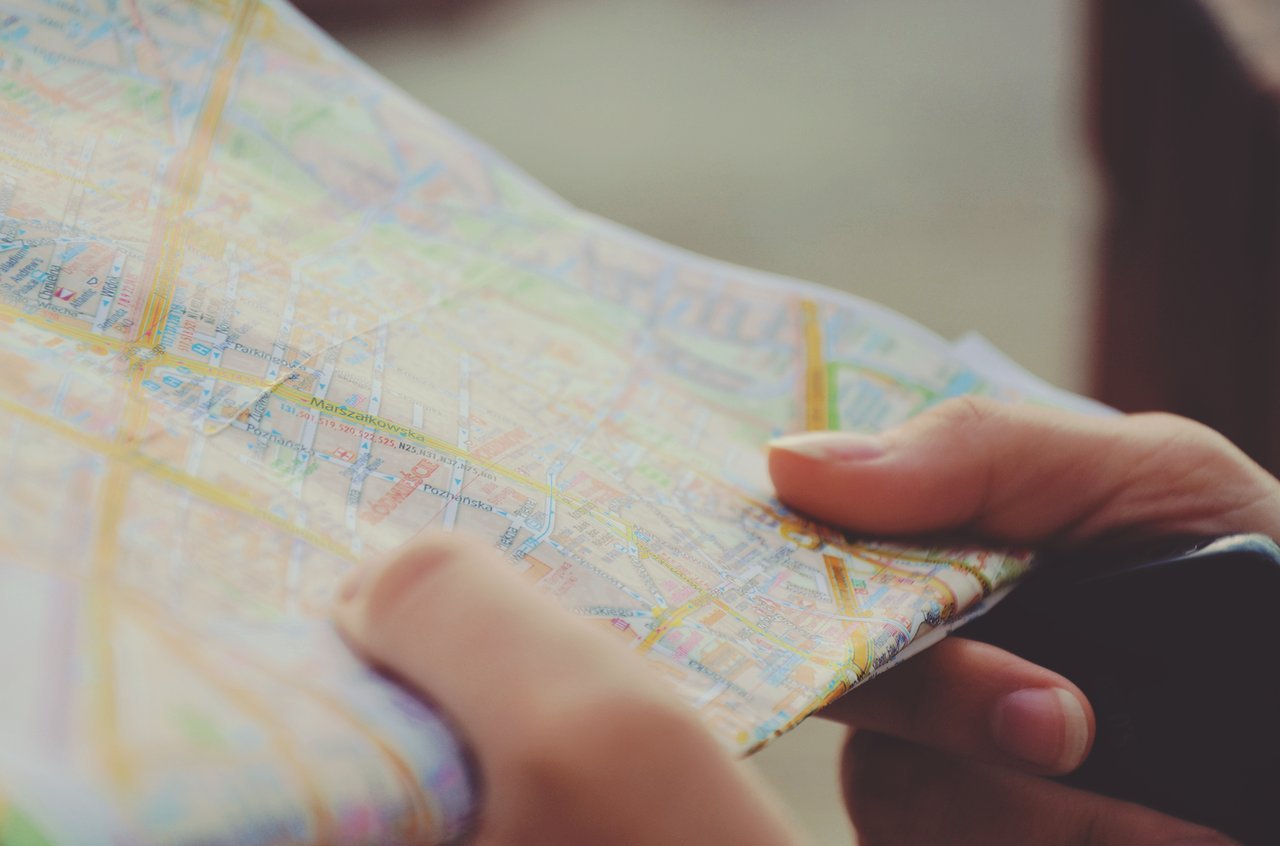
Poorly made maps can do more harm than good by ultimately confusing your visitors with inaccuracies or information overload. Make maps with human cognition in mind and combine this with effective signage so visitors can make connections between the map and the physical space.
The process of creating good maps has the added benefit of showing you a top-level view of your space and outlining major and minor pathways.
Wayfinding is essentially a form of design. Following well established principles, testing rigorously and ultimately keeping the user in mind will help you build out a system that is so seamless that nobody will ever bring it up.

Photo credit: Jens Johnsson, Gratisography, Wokandpix, PublicDomainPictures, Unsplash, Sylwia Bartyzel
Related Posts

 Office Design
The 7 benefits of standing desks
 Office Design
How facilities management can influence office design

 Visual Directory
 Move Manager
 Space Management
 Reporting & Analytics
 Request Management
 Desk Booking
 Resource Tracking
 Technology
 Services & Support