
Running an office requires a lot of effort and responsibility, but it can be made more convenient by using tech tools to cut down on manual tasks. Facility management software can help you track changes, encounter fewer problems and set up effective team processes. Picking the right software, however, is a difficult choice—there's a vast array of options, all with different features and implementations. To find the one that meets your team's needs, keep these four considerations in mind.

1: Software features

A long list of features or modules might sound good at first, but many of these features can go unused. The nature of your company's priorities will determine which features are most relevant to your office.
Facility management tools will differ in what they offer, such as employee scheduling, building automation, inventory tracking and more.
So if your business relies heavily on collaborating with contractors and remote teams, project management will be a key feature for you. Or if your office has a large number of resources and employees, you might focus on space management and request management services. Identify the core functions you need your software to perform, and avoid unnecessary add-ons or upgrades.
2: Scalability

Your software should be able to match the growth of your team or business infrastructure. Growth can come in many forms such as more employees or increased data storage needs. Consider how your tool of choice can handle these changes, and keep in mind that adding storage or user accounts to some solutions may require paid upgrades or additional devices like sensors or tablets.
3: Implementation requirements
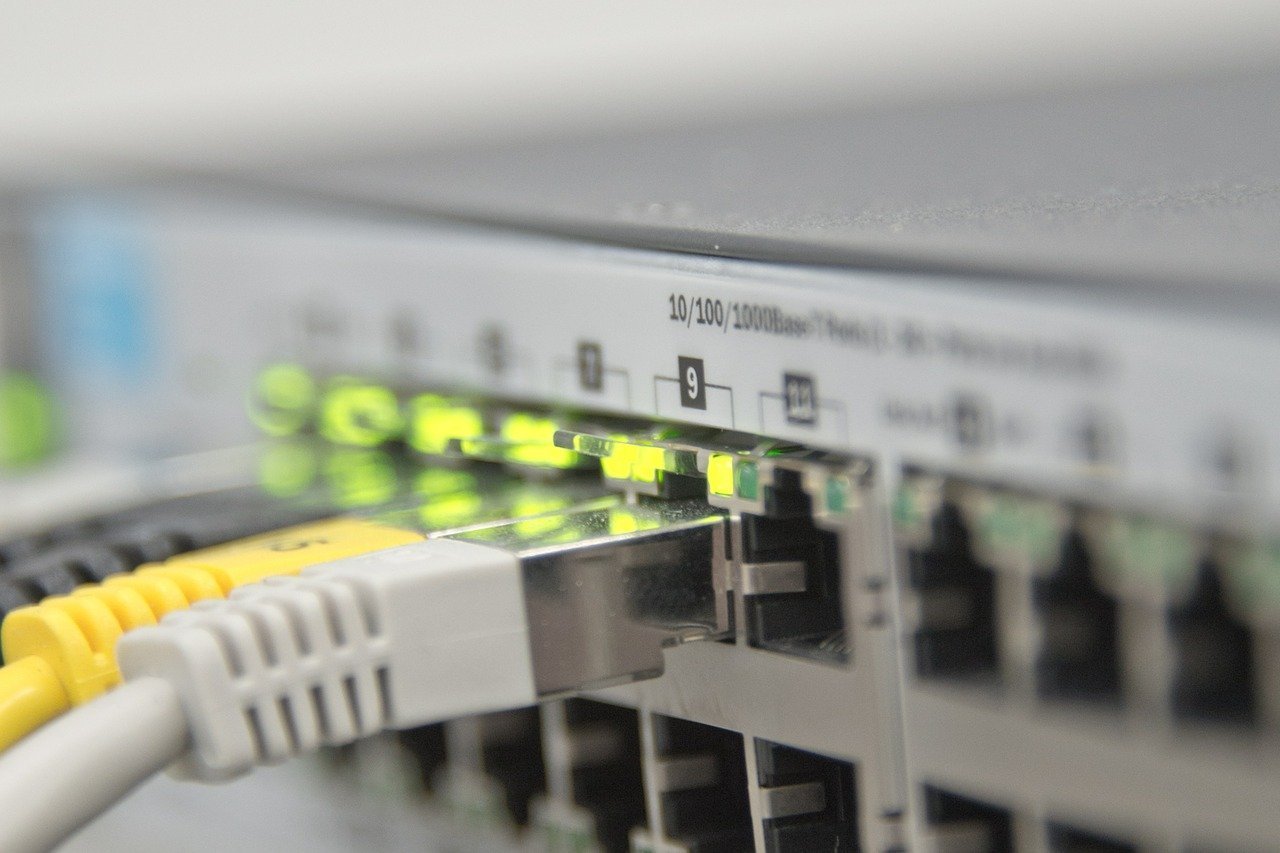
Different software solutions will have different setup and implementation requirements. Many options today can be deployed from the cloud while others require on-site installation at your office.
Some may also need extra hardware like IoT devices if features like energy and temperature tracking are included.
Your team's workflow is also an important point—adding or changing facility management software may affect how your employees operate, especially if your new software requires them to let go of previous tools. They may need time and training to become accustomed to a new platform, particularly if it involves complex features.
4: Training and support
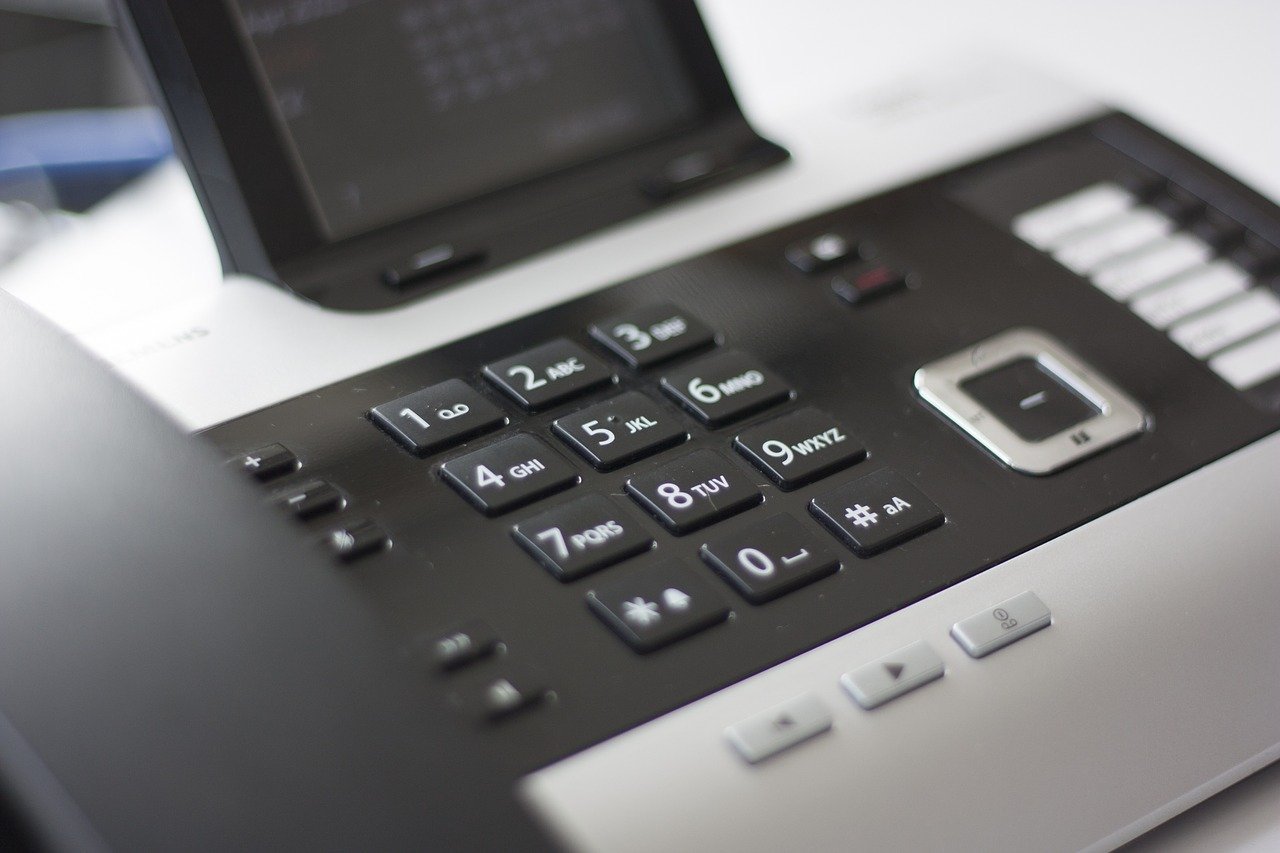
Customer service exists because software is never perfect—and technical errors can result in the loss of important data or a delay in day-to-day operations. Reliable support can help set up and customize your software to save you time while helping you address critical issues or errors down the line. They can also help you onboard new recruits more efficiently and ensure that you're getting the most out of your tools. Look for 24/7 on-call support, multiple communication channels, clear documentation and on-site aid, which will make installing and using your new software a more convenient process.
Choosing FM software is tricky because of the diverse range of tasks a facility manager must do.
FMs looking to bring in new tech should first decide what they wish to get out of the software, and then consider how the operation and setup will work in the context of their company. Those who consider these factors when making their choice will be able to implement a solution more effectively and provide software that will benefit their overall organization.
To help guide you in your software research, you can visit Capterra and Software Advice for product reviews and comparisons.
Photos: loreanto / Shutterstock.com, everything possible / Shutterstock.com, Yeko Photo Studio / Shutterstock.com, blickpixel, inproperstyle
Related Posts
 Workplace Tech & Software
How to improve your workplace with space management software
 Workplace Tech & Software
6 Ways to use commercial real estate software in facilities management
 Workplace Tech & Software
How to run effective hybrid meetings
 Workplace Tech & Software
Project collaboration tools to help you work smarter
 Visual Directory
 Move Manager
 Space Management
 Reporting & Analytics
 Request Management
 Desk Booking
 Resource Tracking
 Technology
 Services & Support